BotForge: brand it, train it, drop one snippet
What BotForge is, how AutoRAG trains a custom chatbot from your dashboard, and how to embed the widget on any static HTML page.
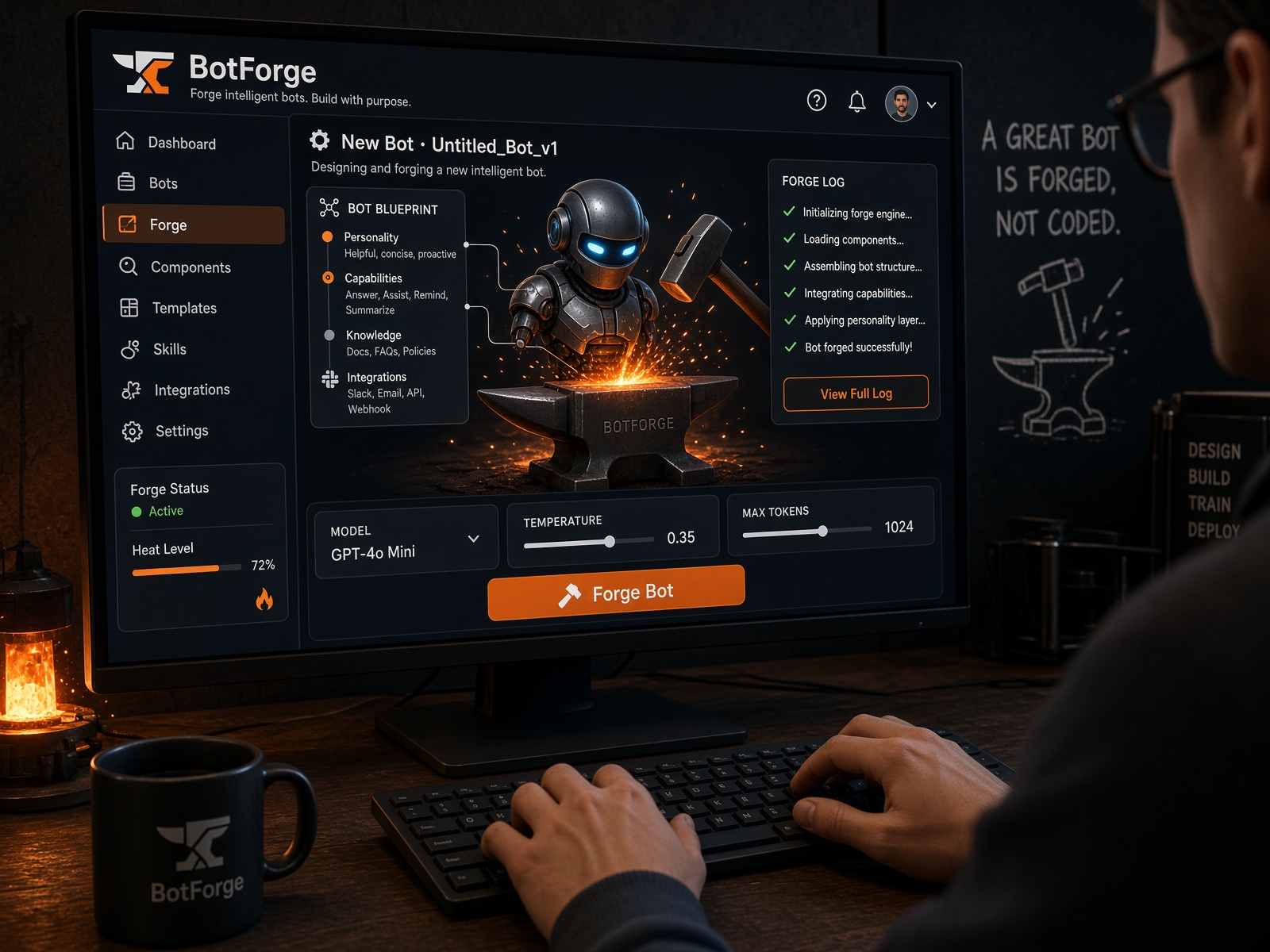
A static site can look finished and still lose the visitor who wanted one answer at 11pm. BotForge is the RegisterMySite tool for that gap: a branded AI chatbot you train on your own content and drop onto any HTML page with a snippet. Tagline on the product is blunt on purpose. Brand it. Train it. Drop one script tag. The stack is Cloudflare edge, grounded RAG, and a widget that does not need a CMS plugin. What BotForge is BotForge is a custom chatbot builder for sites that already live at the edge. You create an account, forge a bot, feed it the pages and files that already describe the business, theme the widget so it looks like the rest of the site, then publish. It is not a generic GPT window pasted onto a homepage. Answers are grounded in the knowledge you ingest. The widget is themed pixel by pixel. Deploy is a slug plus an embed, not a new subdomain per bot. Under the hood it sits on the same RegisterMySite pattern as the rest of the platform: Workers, D1 for accounts and bots, R2 for original files, Vectorize for embeddings, Workers AI for streaming replies. Auth is GitHub or Google. Sessions are encrypted cookies with CSRF origin checks and KV rate limits. Use it when you want: A custom AI chatbot that answers from your docs, not the open internet A branded chat widget that matches colors, type, and voice A no-code chatbot builder that still ships as static HTML RAG chatbot quality without standing up a vector database yourself An embed that works on a one-page site, an Astro journal, or a raw index.html Create an account and forge a bot Open botforge.registermysite.com. Sign in with GitHub or Google. That creates an isolated account. Bots and knowledge stay scoped to you. Embeddings are namespaced by bot_id, so tenants never share context. From the dashboard: Create a new chatbot. Give it a bot name. This is the public name visitors see in the header — “Nova”, “Front desk”, “Docs”, whatever matches the site. Optionally set welcome copy and starter chips so the first message is useful instead of blank. Save. You now have a bot record in D1 and an empty knowledge base ready to ingest. Naming is not decoration. The name is how the widget introduces itself. Pick one that sounds like the brand, not like a vendor. Train the chatbot from the dashboard Training is the whole product. A pretty widget that does not know your hours, SKUs, or policies is just another popup. BotForge trains on: Plain text and FAQs you paste Markdown files PDFs URLs and site pages That is the knowledge corpus. You add sources from the dashboard. You can add and remove incrementally. You do not rebuild the universe every time a price changes. What AutoRAG actually does The pipeline is Cloudflare AutoRAG plus Vectorize and Workers AI embeddings. In product language: grounded RAG. In dashboard language: ingest, vectorize, retrieve, answer. When you add a source, AutoRAG runs the indexing job: Ingest. The original file or crawled page is stored in R2. PDFs, Markdown, HTML, and text all go in as source-of-truth objects, not as a one-time paste that disappears. Parse. Text is extracted. Mixed formats get normalized so a PDF policy and a Markdown FAQ can live in the same index. Chunk. Long documents are split into retrieval-sized pieces. A 40-page PDF should not dump itself into every reply. Embed / vectorize. Each chunk is turned into an embedding with Workers AI. Those vectors go into Cloudflare Vectorize, in a single namespaced index isolated by bot_id. Index. Metadata keeps the source filename or URL with the vector so retrieval can point back at what the model used. That is the “train” step. You are not fine-tuning a private model from scratch. You are building a knowledge base for RAG: semantic search over your content, then a generation step that has to stay on that content. What happens when a visitor asks a question Querying is the live path: The visitor types in the widget. The question is embedded the same way the docs were. Vectorize returns the nearest chunks. Workers AI writes a streaming answer grounded in those chunks. The widget renders the tokens as they arrive. If the answer is not in the ingested knowledge, a well-scoped bot should say so instead of inventing a refund policy. Garbage in still produces confident garbage. Feed it the pages you would hand a new hire. Keep the index honest Add URLs for pages that change: services, pricing, hours, shipping. Add PDFs for the documents people actually argue about: terms, menus, install guides. Remove sources you retired. Incremental delete is part of the same pipeline. Re-ingest when a page is rewritten. AutoRAG is built for continuous indexing, not a one-shot upload you forget. The dashboard is the control plane. You should be able to see sources, kick an ingest, and preview a question before the widget ever hits production HTML. Name it, color it, type it Live branding is the second half of “looks like your brand.” Preview updates as you type. Set at least: Name — header identity Avatar — mark or face in the launcher Colors — panel, launcher, accents, user bubble vs bot bubble Font — the typeface the rest of the static site already uses Welcome copy — first line after open Starter chips — the three questions you wish every visitor asked Custom CSS — when the theme controls are not enough Match the site, do not invent a second brand inside a 380-pixel panel. If the marketing page is warm stone and Fraunces, the widget should not arrive in default indigo and system UI. Widget behavior before you publish The same branding panel controls how the embed sits on the page: Dock side: left or right Sticky vs static: sticky follows the scroll; static stays where you put it Open on load vs stays closed: auto-open for a docs site that exists to be asked questions; closed by default for a homepage that should not jump the visitor These map to data attributes on the script tag, so a single published bot can still be overridden per page if the contact page should open and the homepage should not. Publish: two snippets, one static page Click Publish. BotForge gives you the deploy artifacts. Every bot gets a slug such as bots.yourdomain.com/x7k9m2p4 plus embed code. No per-bot subdomain theater. You get two snippets. Pick one. 1. JavaScript snippet This is the default path and the one the marketing page shows. Paste it before </body> on any static HTML page. <script src="https://bots.registermysite.com/widget.js" data-bot="x7k9m2p4" data-position="right" async></script> Useful attributes: data-bot — the published bot id data-position — left or right auto-open and sticky flags from the publish panel (override per page when you need to) The widget mounts in a Shadow DOM so your page CSS does not fight its CSS. Streaming replies use the same Workers AI chat contract as Cloudflare’s official chat template. That is the whole integration. No plugin. No build step. No “connect your WordPress site and pray.” 2. iframe snippet Use the iframe when a host will not allow a third-party script, or when you want the chat framed in a fixed slot instead of a floating launcher. <iframe src="https://bots.registermysite.com/embed/x7k9m2p4" title="Chat with us" loading="lazy" style="border:0;width:380px;height:640px;" ></iframe> Useful attributes: data-bot — the published bot id data-position — left or right auto-open and sticky flags from the publish panel (override per page when you need to) The widget mounts in a Shadow DOM so your page CSS does not fight its CSS. Streaming replies use the same Workers AI chat contract as Cloudflare’s official chat template. That is the whole integration. No plugin. No build step. No “connect your WordPress site and pray.” 2. iframe snippet Use the iframe when a host will not allow a third-party script, or when you want the chat framed in a fixed slot instead of a floating launcher. <iframe src="https://bots.registermysite.com/embed/x7k9m2p4" title="Chat with us" loading="lazy" style="border:0;width:380px;height:640px;" ></iframe> The iframe is the blunt instrument. It isolates the widget completely. It is also less flexible for a sticky corner launcher. Prefer the JavaScript snippet on pages you control. Keep the iframe for locked-down builders, internal tools, and slots where a floating button is the wrong object. Both embeds are meant for static HTML. If the site is already a cached document on Cloudflare, the chatbot is one more tag. It does not turn the page into an app. Placement that does not fight the layout Decide this on purpose. Choice When to use it Right dock Default. Matches most support widgets. Leaves primary CTAs alone on the left. Left dock RTL layouts, or a right-side sidebar that already owns the corner. Sticky Long articles and service pages. The launcher should still be there after scroll. Static A dedicated help or docs layout where chat is a block in the grid. Opens on load Documentation, onboarding, pricing pages with one recurring objection. Stays closed Homepages, landing tests, any page where motion on load looks like an ad. A sticky right launcher that stays closed is the boring, correct default for a small-business marketing site. Auto-open is a feature, not a personality. Why this belongs next to a static site RegisterMySite sites are HTML the CDN can cache. A chatbot that demanded a WordPress plugin would be the wrong object. BotForge is the other shape: train off the same content you already publish, theme it like the rest of the page, embed it like analytics. The SEO story is not “chatbot ranks.” The site still ranks. The widget earns its keep by answering the query the page almost covered: Hours, service area, turnaround What the PDF buried on page three Which plan includes the thing they circled Where to send the next email That is on-site AI search for a business that does not need a second CMS. Keywords this post is actually about If you came from search, these are the jobs BotForge is built for: custom chatbot builder embed AI chatbot in static HTML JavaScript chatbot snippet / iframe chatbot embed train chatbot on PDFs, Markdown, and URLs Cloudflare AutoRAG chatbot Vectorize embeddings and RAG knowledge base branded chat widget colors and fonts no-code chatbot for small business websites Workers AI streaming chat widget left or right sticky chat widget The product URL to remember is botforge.registermysite.com. The install is still one tag before </body>. Ship it Create the account. Name the bot. Ingest the pages and files that already tell the truth. Wait for AutoRAG to vectorize the corpus. Ask it the rude questions a customer will ask. Set colors, font, dock, sticky, and open-on-load. Publish. Paste the JavaScript snippet — or the iframe — into the static page. If the site is already on Cloudflare, you are done when the HTML is done. The edge serves the page. The widget serves the leftover questions.
Put this on a real domain
Search a name, ship a static site, and wire business email without leaving RegisterMySite.
Comments
No approval queue. Be decent. 5 comments per visitor per post.